Quick Variance Analysis
One-click variance analysis on any table: actuals against budget or forecast, with the absolute and percentage differences generated for you.
Every release in the open, with the screen to prove it.
Novi ships continuously. Here's what's landed recently: the new capability, where it lives in the product, the nature of the change, and a look at the actual screen. Newest first.
One-click variance analysis on any table: actuals against budget or forecast, with the absolute and percentage differences generated for you.
Scenarios that compute from other scenarios: build a variance, a blend or a what-if as a derived layer instead of re-entering data.
Classify scenarios by type (actual, budget, forecast, what-if) so plans organise and behave consistently across the model.
Built-in time intelligence on a table: period-over-period, year-to-date and growth measures available as standard, with no formulas to write.
Relative time references expressed directly on the time dimension (prior period, same period last year, year-to-date) as reusable modifiers.
Splice members together to stitch segments of a dimension into a single working view. Draft description: confirm what Splice does.
Set the as-of "turn" date for a table so actuals and forecast split at the right point in time automatically. Draft description: confirm what Turn Date does.
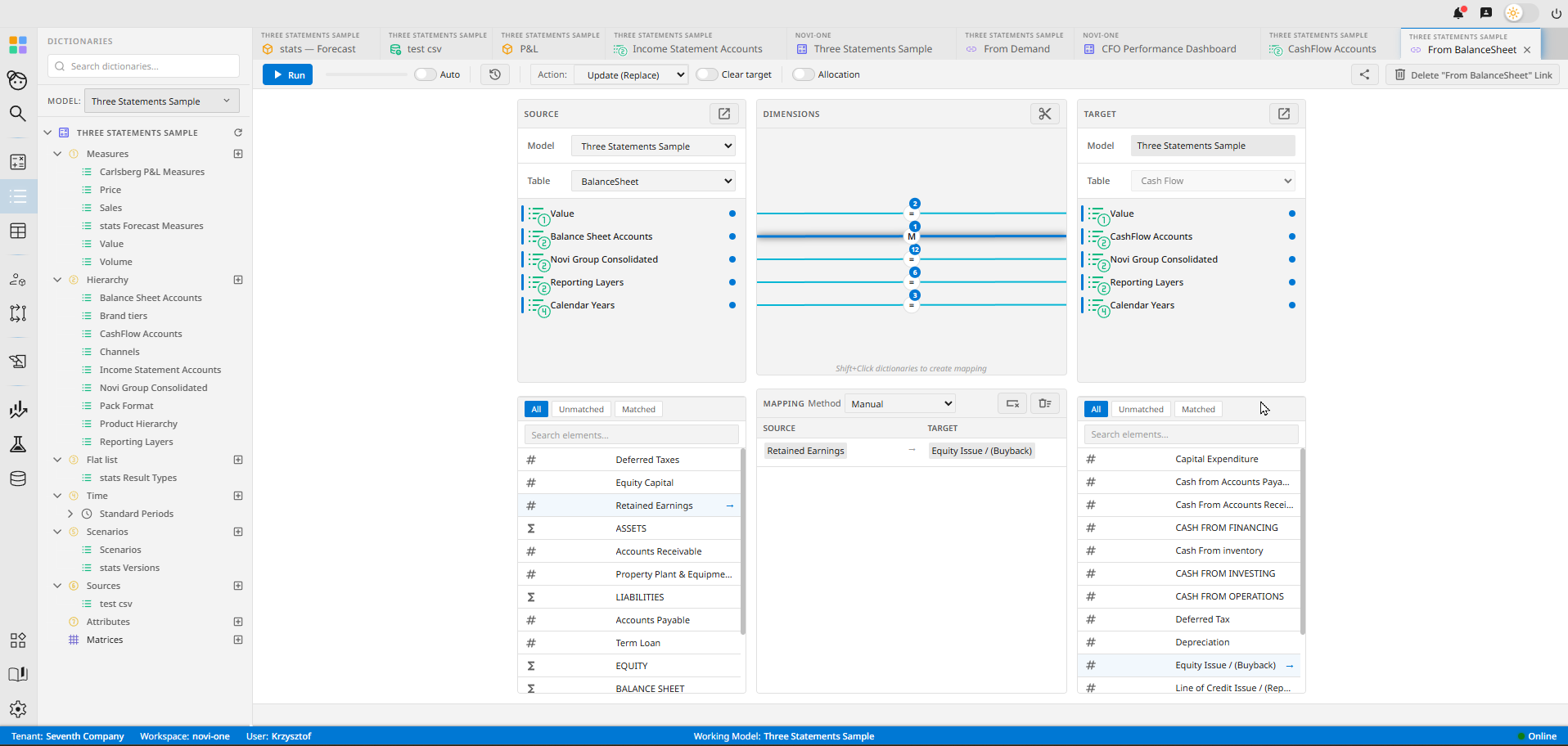
Define how members of one dictionary map to another: the basis for translating ERP codes and statutory charts into management views.
A matrix view across dictionaries to see and manage how members and hierarchies relate, in one grid.
One-click statistical forecasting straight from the grid: project a series forward without leaving the table.
A deeper forecasting toolset: more methods and controls for statistical projection, beyond the one-click baseline.
Coordinated colour palettes and styling applied across dashboards and Stories, so a whole reporting pack stays consistent and on-brand.
Ready-made time dimensions (years, quarters, months, periods) so every model starts on a consistent, properly structured time axis.
We ship in the open, and we'd rather show you than tell you.
These are live in the product. Get early access to put them to work, or read how they fit together in the docs.